Talk to your surfers in the water.
Coach every wave from the beach. Send a note and your surfer reads it on their watch, whether they're polishing a turn or training to win heats.
Register for free · No credit card required
CoachPhone app
 iPhone · coming soon
SurferWatch app
Coach · Phone app
Surfer · Watch app
Video analysis
Film any session, technique or competition, and turn every ride into feedback your surfer can watch. In technical sessions AI does the clipping for you, so your time goes on coaching, not editing. Included in the Pro + Video Analysis plan.
- Technical sessions: AI finds every ride in your footage and cuts the clips for you, with no scrubbing through the whole recording
- Competition heats: attach each clip to the surfer's wave, right next to its score
- Draw on the clip, slow it down, zoom in and record your voice
- Share the clips with your surfers in a report
Session video · 9:40
Finding rides… 0 found
- Ride 10:42 – 0:58
- Ride 22:15 – 2:31
- Ride 35:02 – 5:20
- Ride 48:48 – 9:05
From the beach to the wrist, and back.
Follow one message through a session.
You write it on the beach
Set up the session in seconds: heat duration, surfers and judges. While the heat runs, send a message straight from the heat screen.
- Custom heat duration
- Surfers and judges from your team
- Messages during the heat
Current heat
StartStop47:26Surfer 1st 2nd T N P Ellie Paddling 7.3 3 10.3 — Prosurfingools 6.4 2.1 8.5 3.91 Messages
Go to the left11:48 am
The coach's heat screen: countdown, scores and messages. Their wrist buzzes in the lineup
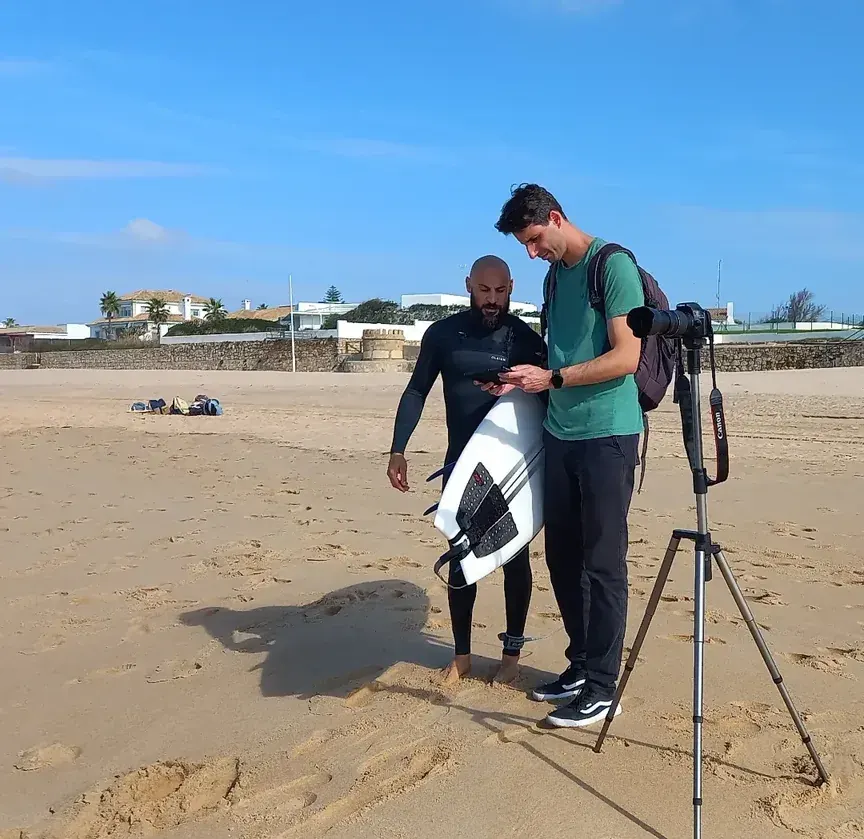
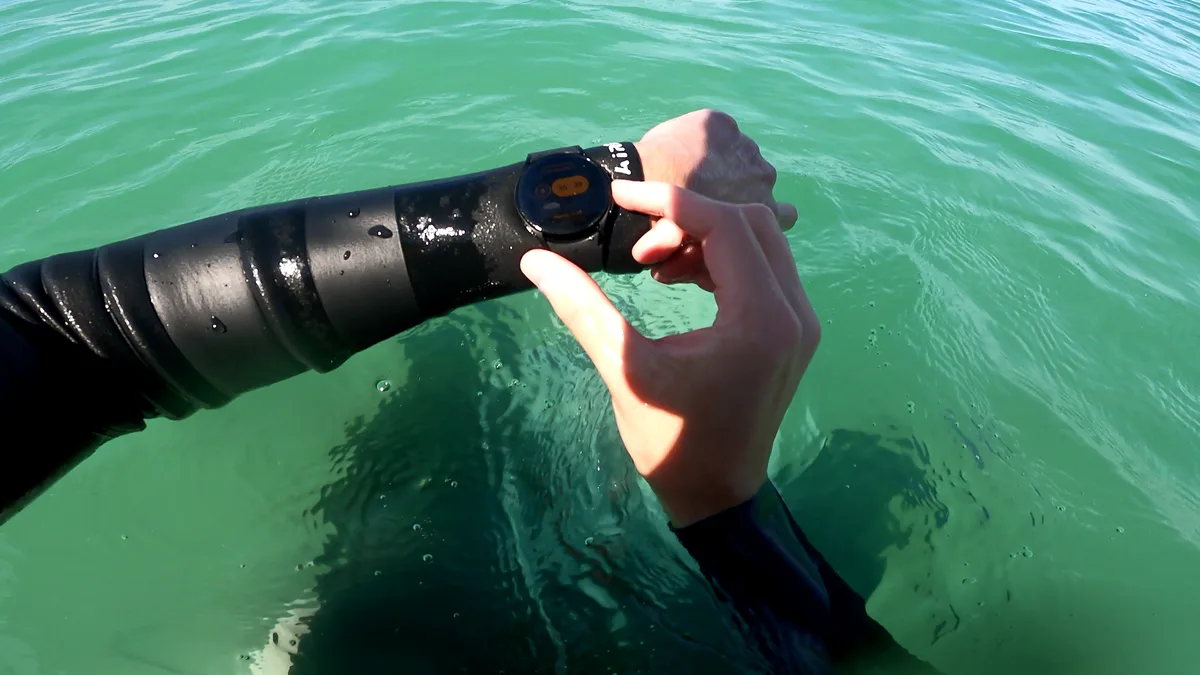
Your surfer glances at the watch and reads the message without paddling in. No shouting from the sand.
- Wear OS and Apple Watch
- Live scores and the heat countdown
- Short coach messages on the wrist
They catch a wave. Priority moves on.
Score each wave as it happens. The surfer who rode drops to the back of the priority order automatically, and their watch updates.
- Set the first order by drag and drop
- Rotates by itself after every wave
- Position and score needed on the watch
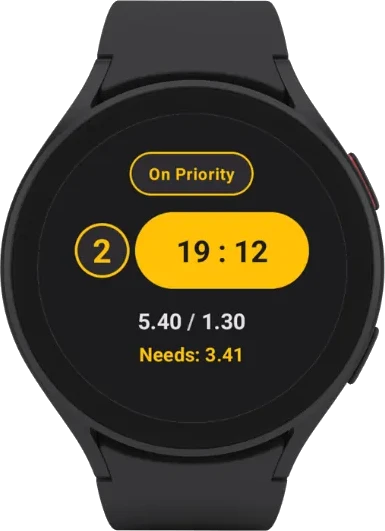
- 2
- Priority position
- 19:12
- Heat countdown
- 5.40 / 1.30
- Two best waves
- 3.41
- Score needed to take the lead
Every wave lands in the stats
After the session, compare heats, follow each surfer's scores wave by wave and export the report as a PDF.
- Heats won, average and best scores
- Every wave on a chart
- Filter by surfer, heat, board or objective
Heat 2 Surfer 1st 2nd Total Needed Prosurfingools 7.2 6.7 13.9 — Ellie Paddling 7.3 3 10.3 6.61 Prosurfingools · Wave scores
Example heat from the statistics page: final scores and each surfer's waves over time. Watch every wave again
Add the heat footage and attach each clip to the wave you scored. Then slow it down, draw on it and talk your surfer through it in a feedback video.
- Clips sit next to their scores
- Slow motion to 0.25× and zoom up to 4×
- Your drawings and voice in one video
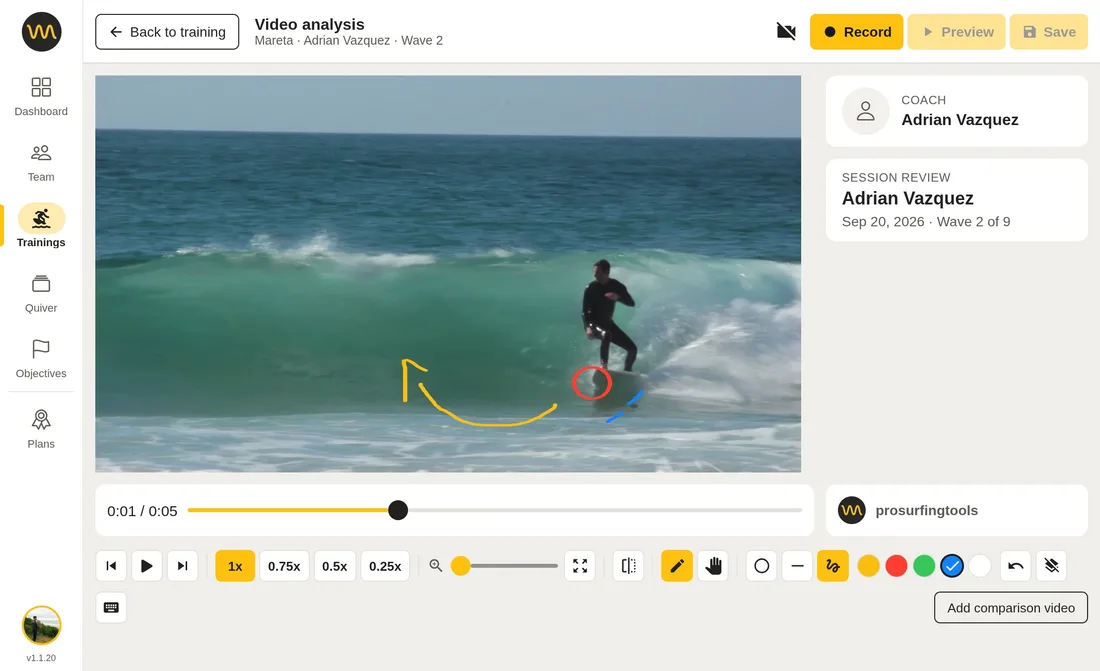
The video editor in the desktop app: drawings on a ride, with speed, zoom and drawing tools. Send it to your surfer
Turn the heat into a report with the scores, your written notes and your feedback videos. Share the private link by WhatsApp or email, no login needed, and your surfer can download the videos.
- Private link, hidden from search engines
- Set it to expire, or revoke it at any time
- Videos stay in private storage
The Share report panel: scores, written notes and feedback videos in one private link your surfer opens without an account.
Choose what to work on
Create objectives such as backhand cutbacks or wave selection, then set up a session for your surfers in seconds.
- Your own training objectives
- Surfers from your team
- Scores only if you switch them on
My objectives
- Priority management in the lineup
- Backhand cutbacks
- Wave selection under time pressure
Example objectives from the objectives page. You see it, you send it
Spot something from the beach and send a short note. Your surfer reads it on their watch, under the session countdown, without paddling in.
- Wear OS and Apple Watch
- Countdown and notes, no scoreboard
- Read without paddling in

Every wave gets a note
Log each wave with your feedback and the objective it worked on, so nothing you said on the beach gets lost.
- Tag each wave with an objective
- Add a video link to any wave
- Track progress across sessions
Adrian Vazquez · Session 2
- 11:44 amcutbacksGood positioning. Need to get more speed
- 11:53 amcutbacksBetter speed, mind your arms
- 11:56 amcutbacksNice cutback! You had time for another
- 12:08 pmcutbacksNeeds to wait on a better wave
Waves from a technical session, tagged with the objective. The AI cuts the rides for you
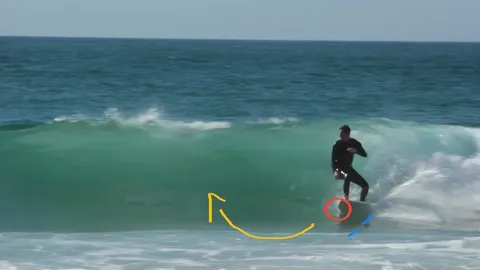
Upload the session footage and the AI finds every ride, with a first note on the manoeuvres. Then record your feedback: talk your surfer through the wave as you draw on it, and turn on your camera so they see you explain it.
- Your voice and your camera in the feedback video
- You choose the surfer on each ride
- Nothing is saved until you confirm
The video editor in the desktop app: drawings on a ride, with speed, zoom and drawing tools. Send it to your surfer
Turn the session into a report with every wave, your written notes and your feedback videos. Share the private link by WhatsApp or email, no login needed, or export it as a PDF.
- Private link, hidden from search engines
- Set it to expire, or revoke it at any time
- Videos stay in private storage
The Share report panel: written notes and feedback videos in one private link your surfer opens without an account.
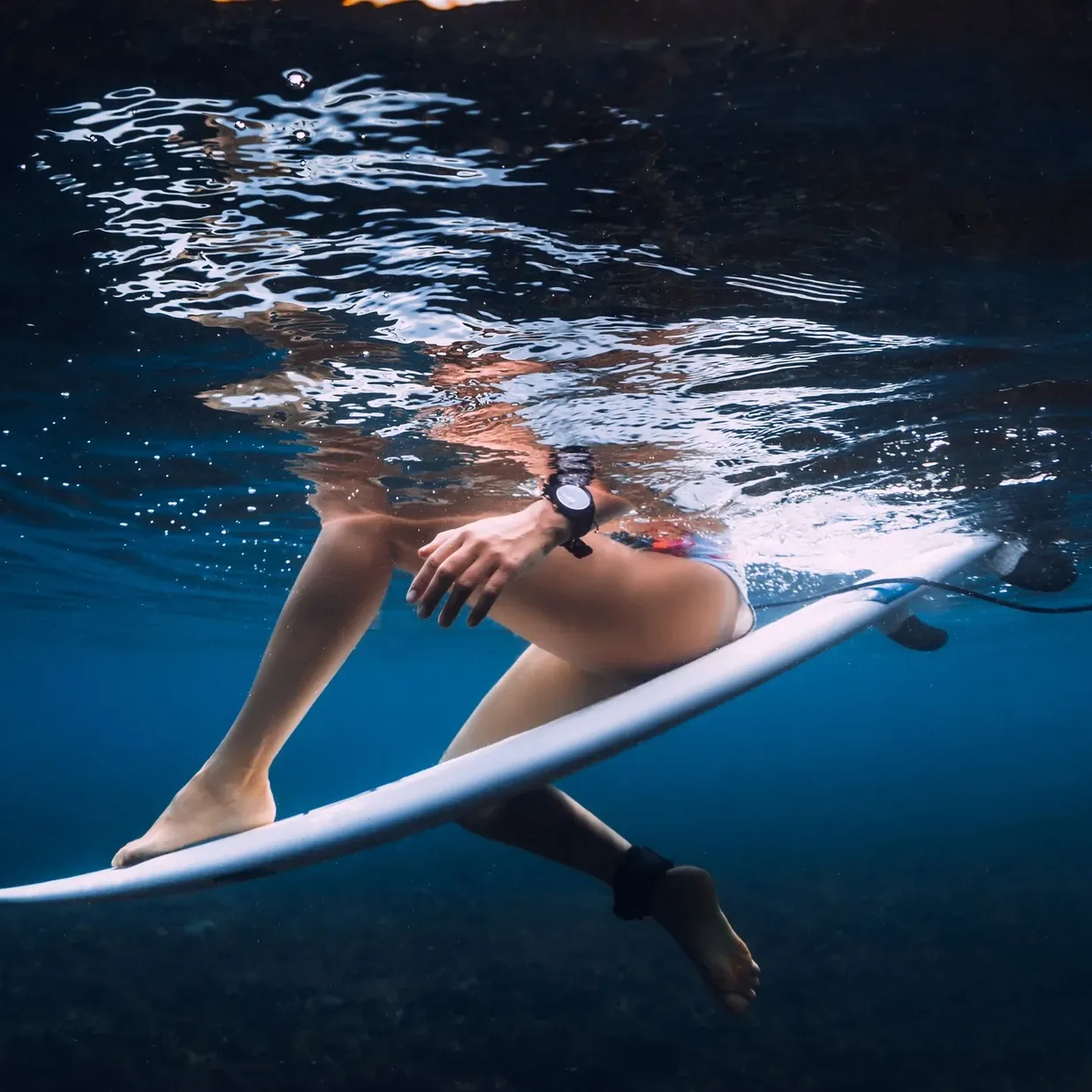
Your surfers wear the watch app in the water.
Surfers install it on their watch and sign in. Your messages and the countdown reach their wrist, plus priority and scores in competition heats.
Wear OS
Apple Watch

Coaches don't need a watch. They run the session from the phone app or the website.
How the watch app worksStay in the lineup
Product news and training tips in your inbox, and a place to talk with other coaches and surfers.
Run your next session from the beach.
Set up your first training and invite your surfers.
Register for free · No credit card required