Communication Between Coach and Surfer
One of the most important parts of training in surfing is correction. That's why video analysis is crucial for surf coaches — surfers need to see and understand what they did right, and what they can improve. But because of the nature of the sport, a coach can't film the surfer and be with them in the lineup at the same time. Talking with coaches, the same problem kept coming up: they wished they could communicate with the surfer during the session — sometimes just a quick tip, or a reminder of something they'd already discussed before paddling out.
Today, a coach still relies on gestures from the beach, or a speaker — but a surfer in the lineup usually can't hear a coach shouting from the beach. Prosurfingtools replaces the shouting and hand signals with a short message that reaches the surfer's wrist in seconds — no need to paddle in to hear what the coach has to say. That means a more efficient session for both of you, with feedback arriving exactly when the surfer needs it.
How a message reaches the water
During a running session, the coach selects the surfer they want to message, then taps the "Message" button on the surfer's panel. They type an instruction and send it, or tap the mic icon to dictate it with voice-to-text instead — handy with a camera in the other hand. The surfer's smartwatch vibrates and displays the message moments later, and the surfer can tap "Read" on the notification to let the coach know it got through. This messaging system is built for short, specific instructions — see the Smartwatch page for more on how the watch app works.
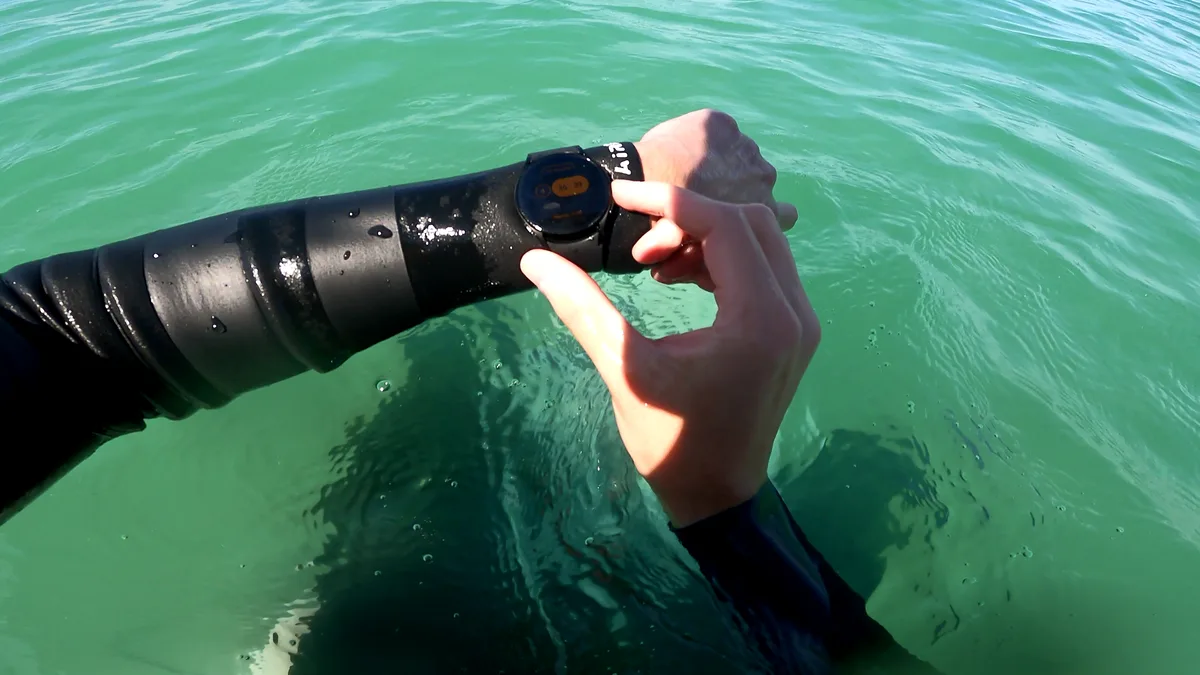
Short, specific instructions
Messages are free text, up to 75 characters — long enough for a real instruction, short enough that it actually gets read mid-heat. There's no preset list to pick from: write exactly what this surfer needs to hear right now.
Messages are important for Competition and Technical training alike
Sending a message works the same way whichever training type is running — a live scored heat or a purely technical session focused on skills.
See what was sent, and whether it landed
Every message to a surfer stays in a timestamped list on their panel, each one marked read or unread — so a coach knows a message didn't just reach the watch, it actually got seen.
Free plan limit
Receiving messages on the smartwatch is always free for surfers. Coaches on a Free tier account can send up to 50 messages per training; a Pro subscription removes that cap, so coaches can send unlimited messages.
Getting started
- Start a training and open a surfer's panel during the session.
- Type a short instruction and send it.
- Check the message list for the read receipt once the surfer's watch picks it up.
Frequently asked questions
Does the surfer need to do anything to receive messages?
No — as long as the watch app is installed and signed in, messages appear automatically during the training.
How long can a message be?
Up to 75 characters — enough for a real instruction, short enough to actually get read mid-heat.
How do I know a surfer actually saw a message?
Each message in the list shows a checkmark once it's been read on the watch, or a cross if it hasn't yet.
Is messaging allowed in real competition heats?
It depends on the competition's own rules. As an example, the ISA Rulebook doesn't allow electronic communication devices during competition.
Is there a limit on how many messages I can send?
For coaches, Free accounts are capped at 50 messages per training — surfers can receive as many as they're sent, at no cost. A Pro subscription removes the coach-side limit.
Related
All Features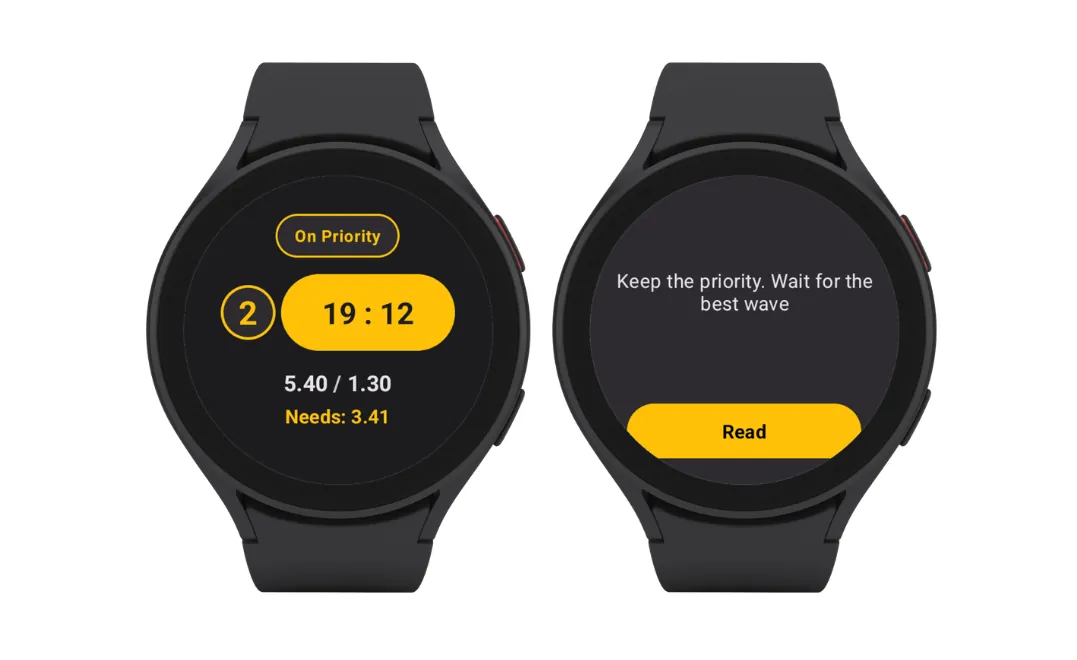 The Surf Watch App for Real-Time Coaching