The Surf Watch App for Real-Time Coaching
The hardest problem in surf coaching is the hundred metres of water between the coach and the athlete. Prosurfingtools closes it: the coach scores the session from the beach, and everything the surfer needs — scores, position, priority, the clock — appears on their smartwatch in the lineup, live.
The watch app is available now for both platforms — Wear OS and Apple Watch:


Two kinds of training, one watch
Every Prosurfingtools session is one of two training types, and the watch adapts to each: Competition to simulate scored heats, and Technical to work on your surfing wave by wave.
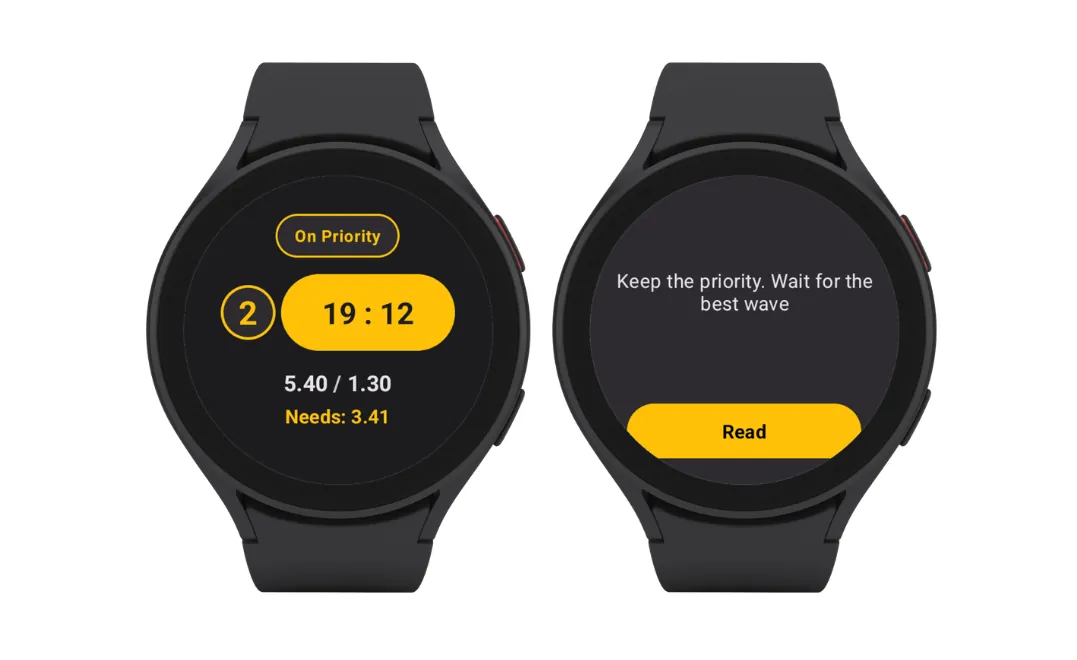
Competition training
A full simulated heat. Judges score every wave on the 0–10 scale and manage priority, while the surfer's watch shows live scores, heat position, the countdown and the score they need to take the lead — the same information pressure as a real event.
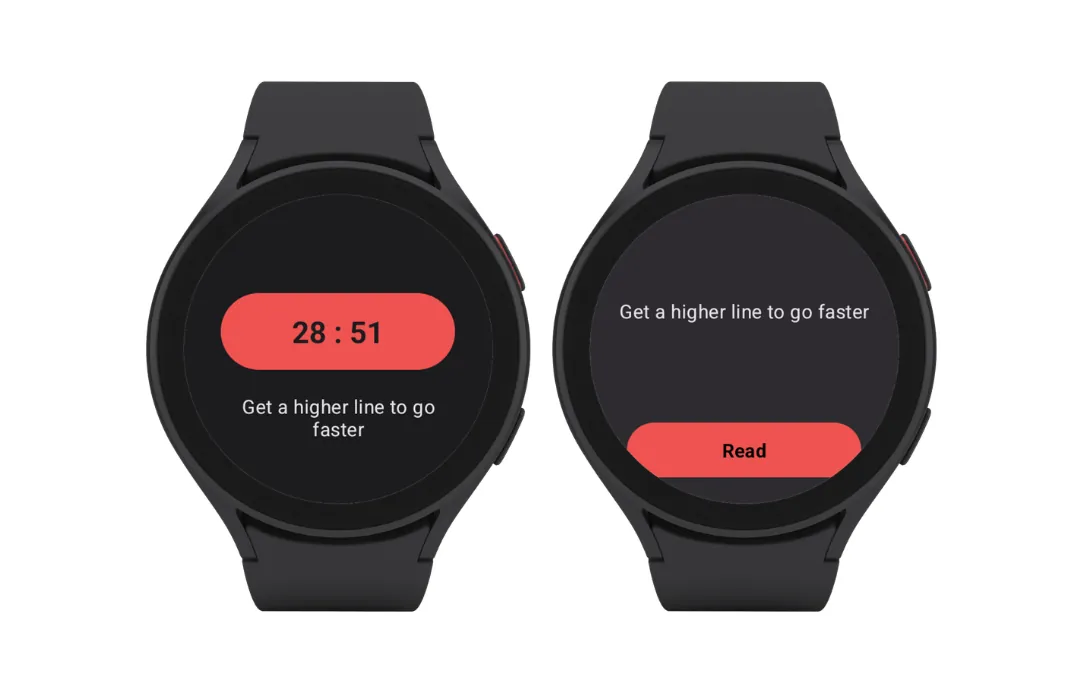
Technical training
No priority, and scores only if you switch them on. Judges attach notes and video links to every wave, building a wave-by-wave record the surfer and coach review to improve technique and track progression over time.
* The smartwatches pictured are Samsung Galaxy Watch 4 Classic LTE running Wear OS.
What the surfer sees in the water
What appears on the wrist depends on the training type.
In a Competition training
- Live wave scores — each ride scored by the coach or judges appears seconds later on the wrist
- Heat position — who's winning and by how much, updated after every wave
- Priority — their current place in the priority queue, rotating automatically as waves are caught
- Countdown — the heat clock, so time management becomes instinct
- Coach messages — short instructions without paddling in or shouting across the water
In a Technical training
- Countdown and coach messages — the session clock and instructions stay, the scoreboard goes
- Wave-by-wave feedback — judges attach notes and video links to every wave, ready to review with the coach after the session
What the coach controls from the beach
The coach side runs in the browser — phone, tablet or laptop. Set up the heat, start the countdown, score each wave on the 0–10 scale, set the initial priority order, and message any surfer. Rankings, best waves and the needs figure are calculated automatically, exactly as an event scoreboard would.

Why real-time feedback changes training
Feedback delivered after the session is history; feedback delivered on the next wave is coaching. When a surfer can see they're 1.2 points behind with six minutes left, heat-craft drills stop being theoretical — every training exchange plays out with the same information pressure as an event. Over a season, the recorded scores build the statistics that show whether wave selection, scoring average and heat results are actually trending up.
Getting started
- Create a free account and add your surfers or team.
- Install the watch app from Google Play or the App Store and sign in.
- Create a training, start the heat, and score from the beach — the watches update live.
Frequently asked questions
What is the difference between Competition and Technical trainings?
Competition trainings are scored heats: judges score every wave from 0 to 10 and manage priority, and the watch shows live scores, heat position and the score needed to take the lead. Technical trainings have no priority, and scores only if the coach switches them on — judges attach notes and video links to every wave, so the session focuses purely on improving technique.
Which smartwatches does Prosurfingtools support?
Prosurfingtools has a Wear OS app on Google Play and an Apple app on the App Store. The coach side runs in any modern browser on a phone, tablet or laptop — no extra hardware needed on the beach.
What does the surfer see on the watch during a heat?
Live heat information as the coach scores: wave scores, current position in the heat, priority, the countdown clock and short messages from the coach.
Do I need to be a coach to use it?
No. Coaches get the most out of team features, but individual surfers can run their own scored trainings and review their statistics over time.
How much does it cost?
Prosurfingtools is free to start — you can create an account and run training sessions without a credit card. A Pro subscription unlocks unlimited trainings and advanced features.
Related guides
All surfing guides How Are Surf Heats Scored?
 Surf Training Drills for Competition