Video Analysis for Surf Coaches Beta
Video is the clearest way for a surfer to see what they did on a wave, and what to change on the next one. The problem is the time it takes: a coach comes back from the beach with long recordings, and turning them into clips and feedback can take longer than the session itself. Video analysis in Prosurfingtools does the slow part for you, so your time goes on coaching, not editing.
Video analysis is in beta and we are testing it with a group of coaches. If you would like to try it, email us and we will set up early access for you.
Ask for early access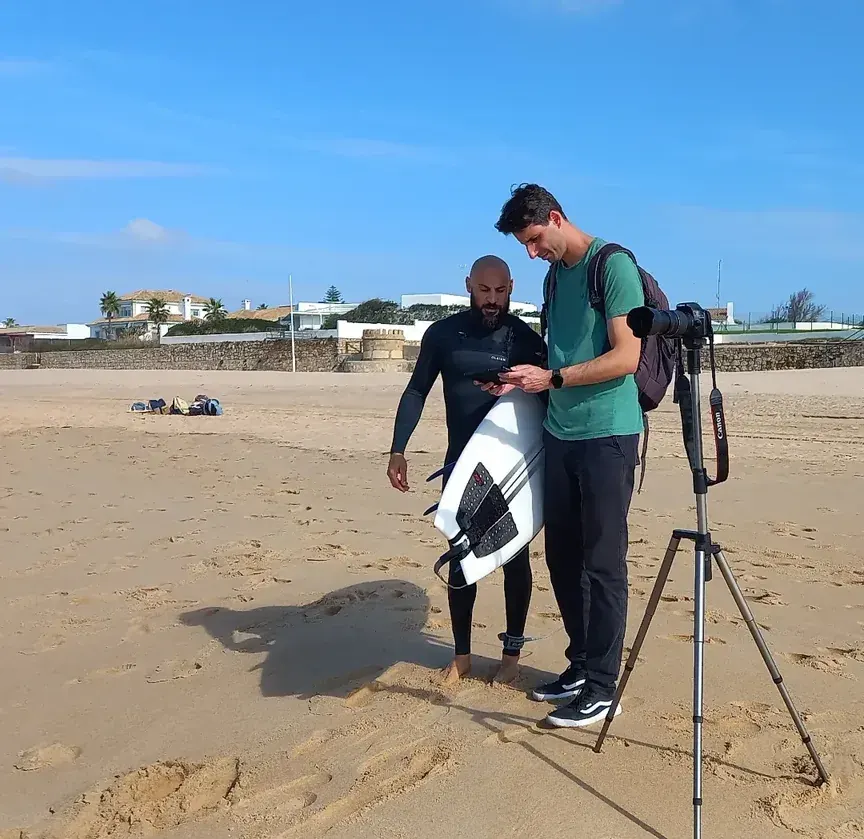
Session video · 9:40
Finding rides… 0 found
- Ride 10:42 – 0:58
- Ride 22:15 – 2:31
- Ride 35:02 – 5:20
- Ride 48:48 – 9:05
How it works
- Film the session. Record from the beach with your phone or camera, as you normally would.
- Upload the videos to the session. Add them to the technical session or competition heat in your training: up to 80 videos per session, each up to 10 minutes and 500 MB.
- The AI finds the rides. In a technical session, the AI watches the footage and marks where each ride starts and ends, with a short description of the manoeuvres.
- You review and assign. Check the clips, adjust a start or end if needed, and choose which surfer is on each ride.
- Confirm. Clean clips are cut and saved as waves for each surfer, and the AI's descriptions can be kept as a first note you can edit.
- Add your feedback. Open any clip in the feedback editor and explain it with drawings, slow motion and your voice.
- Share it. Send the clips and your feedback to your surfers in a training report.
What the AI does, and what it doesn't
The AI is there to save you from scrubbing through footage, not to replace your eye as a coach.
It does
- Watch the whole recording and find each ride, from take-off to the end of the wave.
- Suggest a start and end time for every clip.
- Write a short description of the manoeuvres in each ride, as a starting point for your notes.
It doesn't
- Score waves: scores always come from you or your coaches.
- Recognise surfers: you choose who is on each ride.
- Save anything without you: nothing becomes a wave until you confirm it.
Competition heats
In a competition heat the waves are already scored live, so there is no AI step. You choose the surfer and the wave, and the clip is attached right next to its score. After the heat, every scored wave can be watched again.
The video editor
Open any clip in the editor to turn it into a feedback video. It works like a screen recording: press Record, and everything you do on the clip, and everything you say, is captured in one video your surfer can watch.
Record, preview and save
Press Record and talk your surfer through the ride. Every pause, slow-motion section, zoom and drawing is recorded with your voice, for up to 5 minutes. Preview the result, then save it.
Pause and step frame by frame
Drag the timeline to any moment, hold on it while you explain, and step forwards or backwards one frame at a time to find the exact moment of the turn.
Slow motion
Play at 1×, 0.75×, 0.5× or 0.25× to show what happens too fast to see at full speed.
Zoom and pan
Zoom in up to 4× on the detail that matters, such as the hands, the feet or the rail, and move the view with the pan tool. One tap resets it.
Mirror
Flip the video to see a goofy surfer as regular, or the other way round, to compare surfers who ride on different feet.
Draw
Mark the clip with circles, lines and freehand strokes in gold, red, green, blue or white. Each mark appears at the moment you draw it.
Undo and clear
Drew something in the wrong place? Undo removes the last mark you drew, and clear takes every mark off the screen at once, so you can keep explaining without starting the recording again.
Compare two videos
Add a second video, such as an earlier session or a reference surfer, and show both side by side. Pause, draw and zoom in each one, with one voice-over for both.
When you save, your feedback becomes a new video attached to the wave, and the original clip is kept. Your surfer can watch it from the training report.
Share it in a report
When the feedback is ready, generate a report from the training's statistics. It keeps the filters you have chosen, such as one surfer, one session or one objective, so each surfer gets only the waves that matter to them. Preview it, then publish it as a unique link.
Surfers open the report without signing in. They see their waves, the scores where the training is scored, your notes and the feedback videos ready to play, and they can download each video or all of them at once. To send it, copy the link, or use the email and WhatsApp buttons to open a message with the link already in it, ready for you to send.
How it saves coaches time
Most of a surf video is waiting: in the example above, four rides add up to just over a minute of a ten-minute recording. Without help, a coach has to find those moments by hand.
| Task | By hand | With Prosurfingtools |
|---|---|---|
| Find the rides | Scrub through every recording | The AI finds them |
| Cut the clips | Trim each ride in an editing app | Cut for you when you confirm |
| Organise | Rename files and sort them by surfer | Saved as waves on each surfer |
| Explain | Write a separate message for each clip | Notes, drawings and voice on the clip |
| Share | Send files one by one | One report link for the training |
Your time goes where it matters: watching the rides and deciding what each surfer should work on next.
Private by default
Videos are not public. They are played through short-lived secure links, only shared with the people you send a report to, and the original footage is kept so you can come back to it later.
Early access
Video analysis will be part of the Pro + Video Analysis plan and the Organisation Pro+ plan, with pricing to be announced; see the pricing page. During the beta, access is by invitation: email us to join.
Video analysis is in beta and we are testing it with a group of coaches. If you would like to try it, email us and we will set up early access for you.
Ask for early accessFrequently asked questions
Does the AI score the waves?
No. The AI only finds the rides and describes the manoeuvres. Scores always come from the coaches.
Does the AI know which surfer is on each ride?
No. After the AI has found the rides, the coach chooses the surfer for each clip before confirming.
How long can a video be?
During the beta, each video can be up to 10 minutes and 500 MB, with up to 80 videos per session.
Does the AI work in competition heats?
No. Competition waves are scored live, so the coach attaches each clip to the surfer's scored wave directly.
How can I try it?
Video analysis is in beta. Email contact@prosurfingtools.com and we will set up early access for you.