Product · Board performance
Board Performance: Which Board Scores Best
Most surfers pick a board by feel. Prosurfingtools logs the board a surfer rides in each session next to the scores, so after a few trainings you can see which board in the quiver actually scores best for them.
Build the quiver
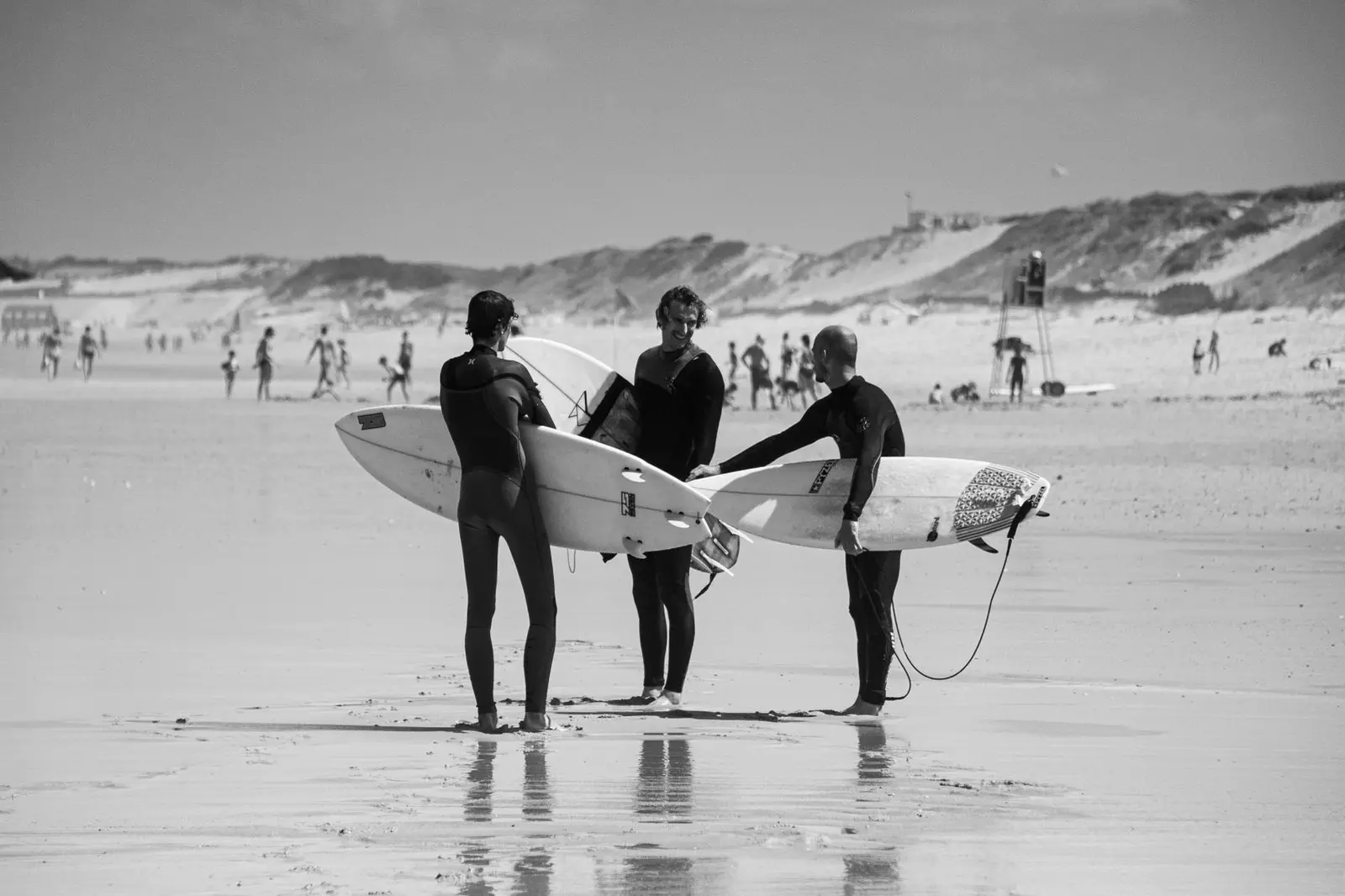
Each surfer keeps their boards in the Quiver: brand, model, material, length, width, thickness, litres, tail, and the fin system and setup. Add a board once and it is ready to pick in every training.
Pick the board during the session
In the surfer's panel during a session, the board button opens that surfer's quiver. Choose the board they are riding and every wave they catch from then on is saved with it, in technical sessions and competition heats alike. Swap boards mid-session and the next waves follow the new one.
See which board scores best
The training statistics include a Board Performance section: for each surfer, every board they rode with its wave count and average score, ranked from best to worst, plus a chart when they rode more than one. You can also filter the statistics by board, alongside the objectives you are working on.
Share it in the report
When you publish a training report, board performance can go with it, so the surfer sees the same comparison without signing in.
Getting started
- Add the surfer's boards to their Quiver.
- In the session, open the board button in the surfer's panel and choose the board they are riding.
- Score the waves as usual, then open the training statistics to compare the boards.
Frequently asked questions
Does it work in technical sessions?
Yes. You can choose the board in technical sessions and in competition heats; the comparison uses the scores the waves receive.
Can a surfer change boards during a session?
Yes. Choose the new board in the surfer's panel and the following waves are saved with it.
What is shown for each board?
The number of waves ridden on it and their average score, ranked from the best board down, with a chart when the surfer rode more than one board.